 DESIGN LANDER · CONSOLE MK-II
TRANSMIT IDEA
DESIGN LANDER · CONSOLE MK-II
TRANSMIT IDEA
Design Lander
Opposite's home base for designing with AI.

Display Information
Eight interactive patterns for presenting content. Each demo works right here on the page. Hit COPY PROMPT to generate the same component with your own content.
Expanding Pills
Best for: letting people choose one topic at a time without leaving the page: categories, filters, "tell me about…" pickers.
Tabs
Best for: parallel content of equal weight that users switch between: overview vs specs vs timeline. Avoid if users need to compare sections side by side.
Accordion
Best for: hierarchical content where headers alone answer "what's inside?": FAQs, specs, step details. Works well on mobile.
Flip Cards
Best for: short reveal moments: term/definition, before/after, question/answer. High delight, low information density: keep the back brief.
Interactive Timeline
Best for: sequences and history: project phases, roadmaps, change logs. Click a node or title to expand its detail.
Comparison Slider
Best for: before/after reveals: redesigns, image edits, old process vs new process. Drag the handle.
Guided Stepper
Best for: processes people follow in order: onboarding, tutorials, checklists. Progress stays visible the whole way.
Hover-Reveal Stats
Best for: headline numbers with context on demand: dashboards, results, impact summaries. Hover a card.
Generate Consistent Imagery
The problem with AI images isn't quality, it's consistency. Six images that don't match look worse than one good one. This is the flight plan that fixes it. Click a phase to open it.
STYLE
GENERATE
LAUNCH
& CULL
Find your style
Iterate in ChatGPT (or any image model) until one image nails the look you want. Don't worry about the subject yet; you're hunting for a style: palette, lighting, texture, mood.
Lock the style & generate the prompt set
Show the AI your winning image and ask it to write matching prompts for every image you need. The key: each prompt must repeat the exact same style description word for word.
I've attached an image in a style I love.

Step 1:Describe this style as a reusable "STYLE BLOCK": a single paragraph covering colour palette, lighting, texture, level of detail, composition and mood. Be specific enough that any image generator could reproduce the look.

Step 2:Write [6] image-generation prompts, one for each of these subjects:
1. [subject one]
2. [subject two]
3. [subject three]
4. [subject four]
5. [subject five]
6. [subject six]

Rules:
- Every prompt must begin with the identical STYLE BLOCK, word for word.
- Same aspect ratio for all: [16:9].
- No text or lettering inside the images.
- Keep each subject description short so the style dominates.

Output the prompts in a numbered list I can copy one at a time.
Cross-launch the prompts
Run each prompt through your generators of choice. Different engines interpret the same prompt differently, and that's a feature. Launch in parallel and keep the best of each.
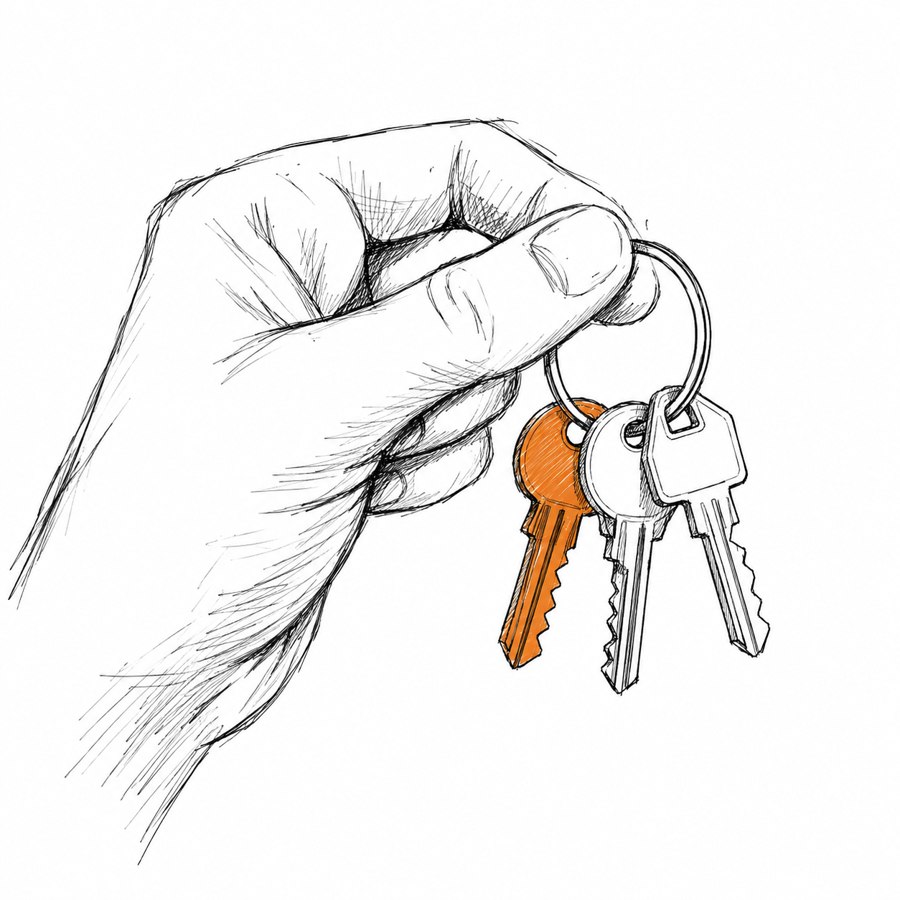
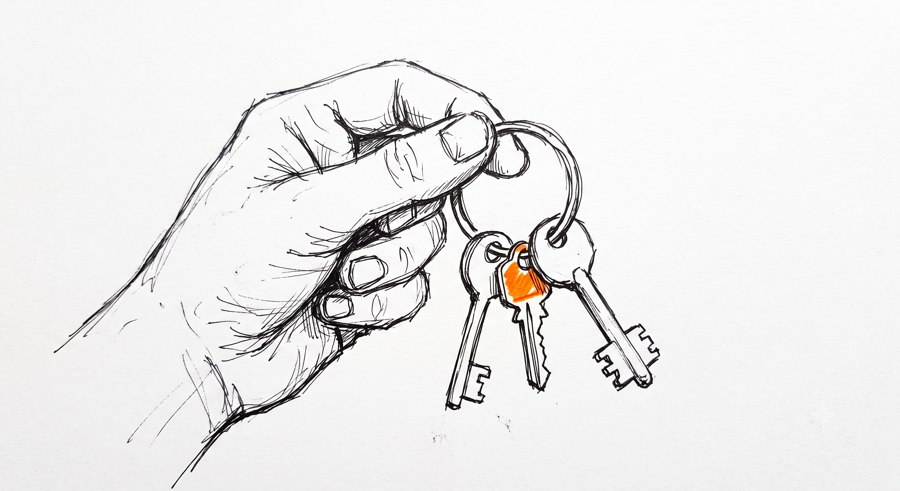
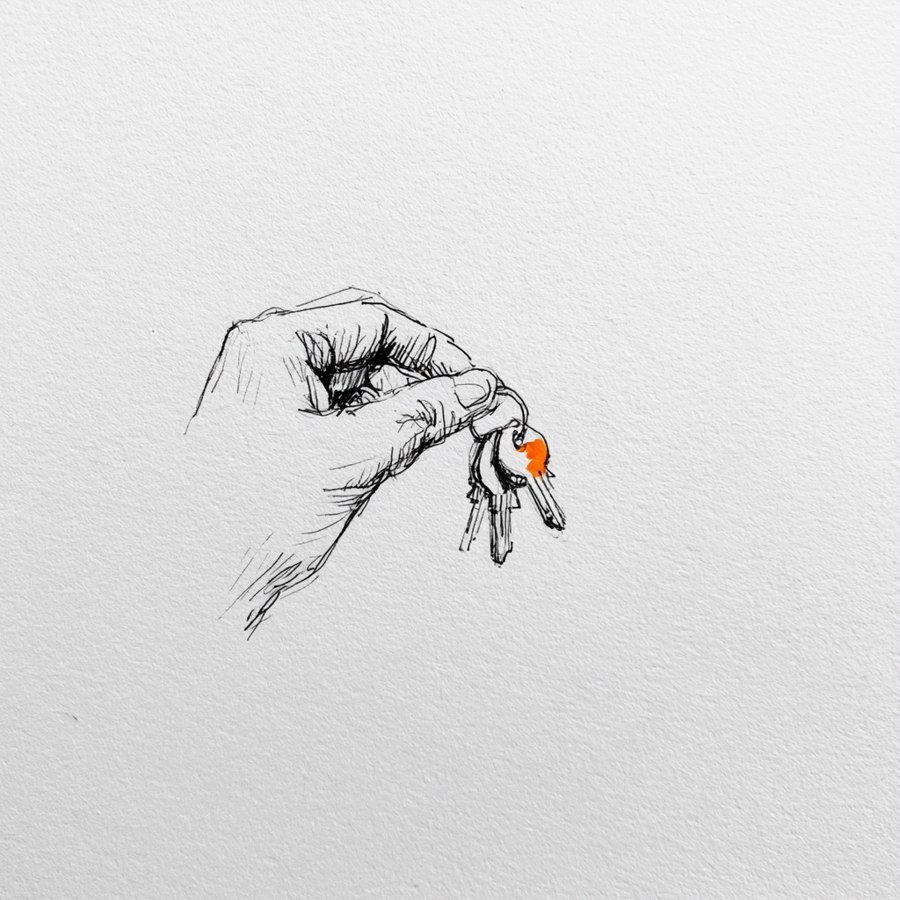
A rough black-and-white pen sketch of a hand holding three small keys on a ring, loose hand-drawn lines, minimal cross-hatching, one small accent of orange marker on one key, clean white background, no text, no watermark
Compare, cull, re-launch
Lay the set side by side. Any image that drifts off-style gets regenerated: paste the same prompt back in along with one of your keeper images as reference. Repeat until the set reads as one family.
Visual Systems · icons, transparency & formats
Images aren't the only visuals. Icons, transparency and file formats decide whether a page looks engineered or improvised.
Use an icon system, not emoji
Emoji render differently on every device and never match each other. Icon libraries draw every glyph on the same grid with the same stroke weight, so everything matches everything. Lucide (1,500+ icons, one 24px grid, 1.5px stroke) is the modern default, and it's what draws every icon on this page. Also worth knowing: Heroicons (small, hand-polished, from the Tailwind team) and Phosphor (six weights).
Transparent backgrounds: the truth
Most generators can't output real transparency: they paint RGB pixels with no alpha channel. ChatGPT is the strongest at icon and sticker styles, but its "transparent" look is often a painted checkerboard, so zoom in and check the corners. Midjourney and Gemini output no alpha at all. Ideogram is the exception: it generates true transparency natively.
Reliable recipe: generate the object on a plain solid white background, then strip it with a background remover. Guaranteed alpha, any generator.
Generate a matching icon set
Same trick as the image workflow above: lock a style block, repeat it verbatim, change only the subject. This prompt produces a set of illustrated icons that read as one family, ready for background removal.
Launch Tools
Purpose-built tools docked to the platform. More arriving as the fleet grows.
The Annotator
Mark up screenshots with boxes, spotlights, cursors, numbered stamps and labels, built in-house for fast design feedback loops. Every swatch colour is customisable (double-click one).
LAUNCH ANNOTATOR ↗Docking bay available
Have a tool the crew should know about? This slot is reserved for it.
Prompt Vault
Short prompts that change how the AI behaves. Copy, adapt, launch.
Clutter prevention
Use when: starting any build. AI models decorate by default; this sets the dial to restraint before work begins.
Default to restraint. No decorative badges, tags, helper text or hint labels unless I ask for them. Say each thing exactly once: if a button says what it does, don't add text explaining it. If you're unsure whether an element earns its place, leave it out and mention it to me instead.
Clutter cure
Use when: something already feels busy. The veto list at the end makes the AI bolder about cutting.
Review this design and strip it back. Remove anything that doesn't help someone complete a task or understand the content: redundant labels, text that repeats what a control already says, decorative chips, borders inside borders, duplicate calls to action. The test: if removing it loses no meaning, remove it. Add nothing new. Then list what you cut, one line each, so I can veto.
Three directions
Use when: starting anything visual. Stops you anchoring on the AI's first idea.
Before polishing anything, give me 3 visually distinct rough versions of [the thing]. Make them genuinely different in layout, mood and structure, not the same idea in three colours. One sentence each on the thinking behind them. I'll pick one to develop.
Critic pass
Use when: a draft looks done. AI is kinder to its own work than it should be; this flips it into reviewer mode.
Act as a harsh design reviewer. List the 5 biggest problems with what you just produced: usability, hierarchy, clutter, consistency, accessibility. Rank them by impact. Don't fix anything yet; wait for me to choose what's worth fixing.
Usage budget
Use when: mid-session with limited usage left. Gets a plan that front-loads the highest-value work before you run dry.
Here's what I still want to get done in this session:
1. [task]
2. [task]
3. [task]

Before doing anything, estimate how much usage we realistically have left. Then tell me which of these you can complete fully within that budget, which should be trimmed or simplified to fit, and what order gets the most value if we get cut off early. Recommend a plan, then wait for my go.
AI Fleet Registry
The current fleet, rated on three things that matter for design work: output quality, ease of use, and value for money. Base paid tier, approx AUD per month. Pick a ship.
ChatGPT
ALL-ROUNDERCrew uses it for: everyday drafting, image generation, and writing the style-block prompts that feed the other engines.
Claude
TEXT & CODECrew uses it for: building working components like the demos on this site, long documents, and careful writing.
Gemini
RESEARCH & IMAGESCrew uses it for: research, fast literal image generation, and anything living in Google Workspace.
Midjourney
HERO IMAGERYCrew uses it for: hero images, backdrops and style exploration, for when the visual has to stop people scrolling.
Ideogram
ICONS & TEXT-IN-IMAGECrew uses it for: logos, icon sets, and any image that needs readable text inside it.
Perplexity
RESEARCHCrew uses it for: sourced research and fact-checking before content gets designed.
Microsoft Copilot
OFFICE SIDEKICKCrew uses it for: drafting inside Word, PowerPoint and Excel without leaving the document.
Canva Magic Studio
TEMPLATES & SOCIALCrew uses it for: fast social tiles, simple decks and brand-kit assets with AI assists.
 ◂ ▸ KEYS FLICK CHANNELS